We all know about the power of the corporation Alphabet, which stands behind the Google search engine: we search for a certain piece of information on the internet, and an algorithm decides opaquely for us which results are presented to us. Of course one could switch to another search engine, but Google is just so comfortably convenient…
In this article I describe how one can set up a (meta-)search engine oneself with SearXNG, in order at least to some extent to escape the dilemma.
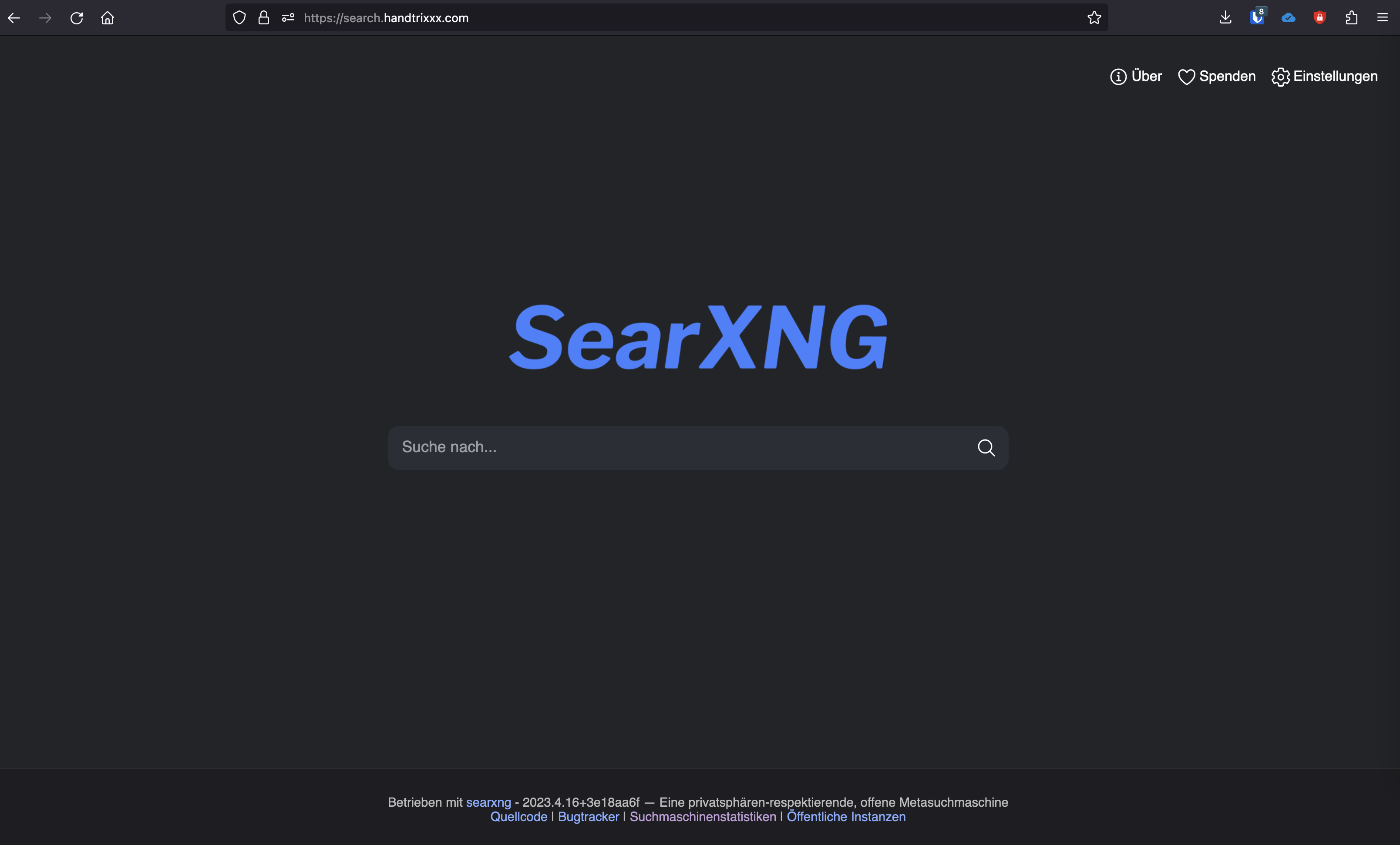
Search engine, search index, meta-search engine
The core of every search engine is an index, here a directory of all known websites on the internet. As everyone can imagine, building an index for the internet is no easy undertaking, and the resulting database is gigantically large. Likewise such an index must be constantly updated, so that there are no dead links in the search results.
The operator of a real search engine therefore has to build their own index and shoulder the efforts connected with it. That is why there are far fewer real search engines with own indexes than one perhaps thinks. A look at the corresponding article in Wikipedia reveals to us that worldwide there are only around 10 operators of a public index. Reduced to the ones relevant for us, Alphabet's Google, Microsoft's Bing and 1–2 exotics remain.
However, building an own search index alone is also utopian, which is why meta-search engines now come into play. A meta-search engine takes our search term, fetches the results from various search engine operators and presents the results to us clearly.
SearXNG
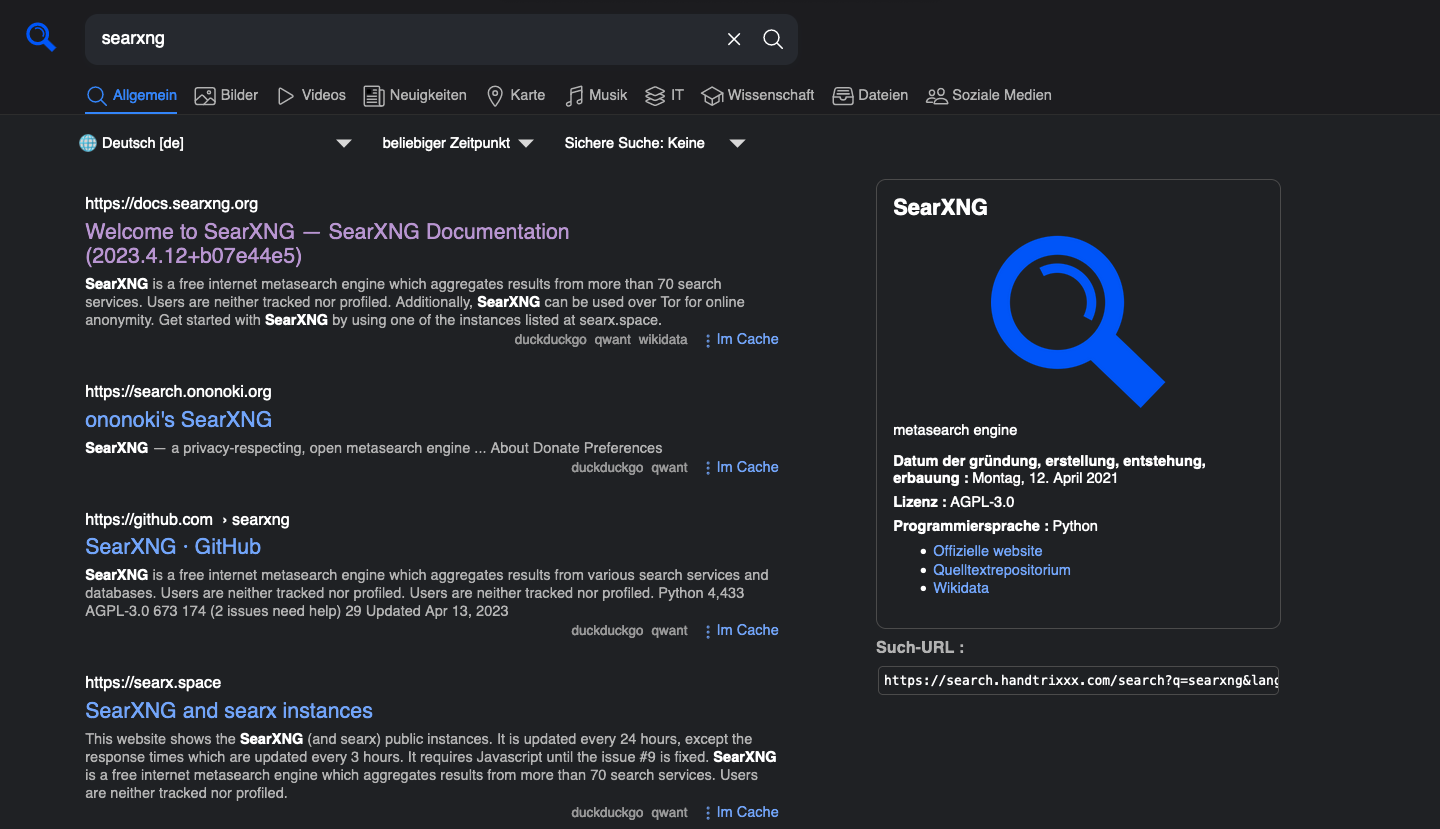
SearXNG is an open-source project that provides us with a meta-search engine for own operation or in publicly hosted implementations. Thereby arises not only the advantage of the less limited search results, but additionally also an additional degree of anonymization. I.e., Google or Microsoft can assign the search queries neither directly to your user nor to your IP address. This effect becomes the greater, the more people use the respective SearXNG instance. SearXNG is a so-called fork (split/branch) of SearX, which is actively maintained and improved in many points.
Operating SearXNG in a Docker Compose environment
Now we do not want to wait longer and want to start SearXNG on our own server. We assume that we have already installed Docker and a reverse proxy. If that is not the case for you, first look at the corresponding instructions. A simple Docker Compose definition in the "docker-compose.yml" can then look as follows:
services:
  search-redis:
    container_name: search-redis
    image: "redis:alpine"
    command: redis-server --save "" --appendonly "no"
    networks:
      - default
    tmpfs:
      - /var/lib/redis
    cap_drop:
      - ALL
    cap_add:
      - SETGID
      - SETUID
      - DAC_OVERRIDE
  search-searxng:
    container_name: search-searxng
    image: searxng/searxng:latest
    networks:
      - default
      - proxy
    volumes:
      - ./searxng:/etc/searxng:rw
    environment:
      - SEARXNG_BASE_URL=https://${SEARXNG_HOSTNAME:-search.handtrixxx.com}/
    restart: unless-stopped
    cap_drop:
      - ALL
    cap_add:
      - CHOWN
      - SETGID
      - SETUID
      - DAC_OVERRIDE
    logging:
      options:
        max-size: "1m"
        max-file: "1"
networks:
    proxy:
        external: true
After bringing it up we thus get 2 containers, a Redis cache and the application server of SearXNG. Contrary to the official example documentation we here dispensed with an additional Caddy reverse proxy and also exposed no ports. Instead the application container additionally sits in the same network (proxy) as our generic reverse proxy.
Conclusion
As emerges from the configuration, we now have a running installation which is reachable from the internet via https://search.handtrixxx.com. Afterwards I also changed the default search engine in my local browsers so that always my own engine is used. Unfortunately Apple does not allow this on the iPhone/iPad. But you are welcome to also use my instance and thereby contribute to further anonymization, or just try an installation yourself.