---
title: 'Calibre Web'
url: 'https://www.handtrixxx.com/en/wiki/self-hosted/calibre-web'
markdown: 'https://www.handtrixxx.com/en/wiki/self-hosted/calibre-web.md'
lang: en
date: '2023-07-22'
description: 'Calibre Web Checked live 2026-11-28: the Calibre-Web container of this stack is running. Setup details as recorded at the page date. Ebooks have established themselves alongside "real" books in everyday use, not only on vacation. Calibre-Web wraps a Calibre library in a web UI and can send books di…'
---
# Calibre Web
*Checked live 2026-11-28: the Calibre-Web container of this stack is running. Setup details as recorded at the page date.*
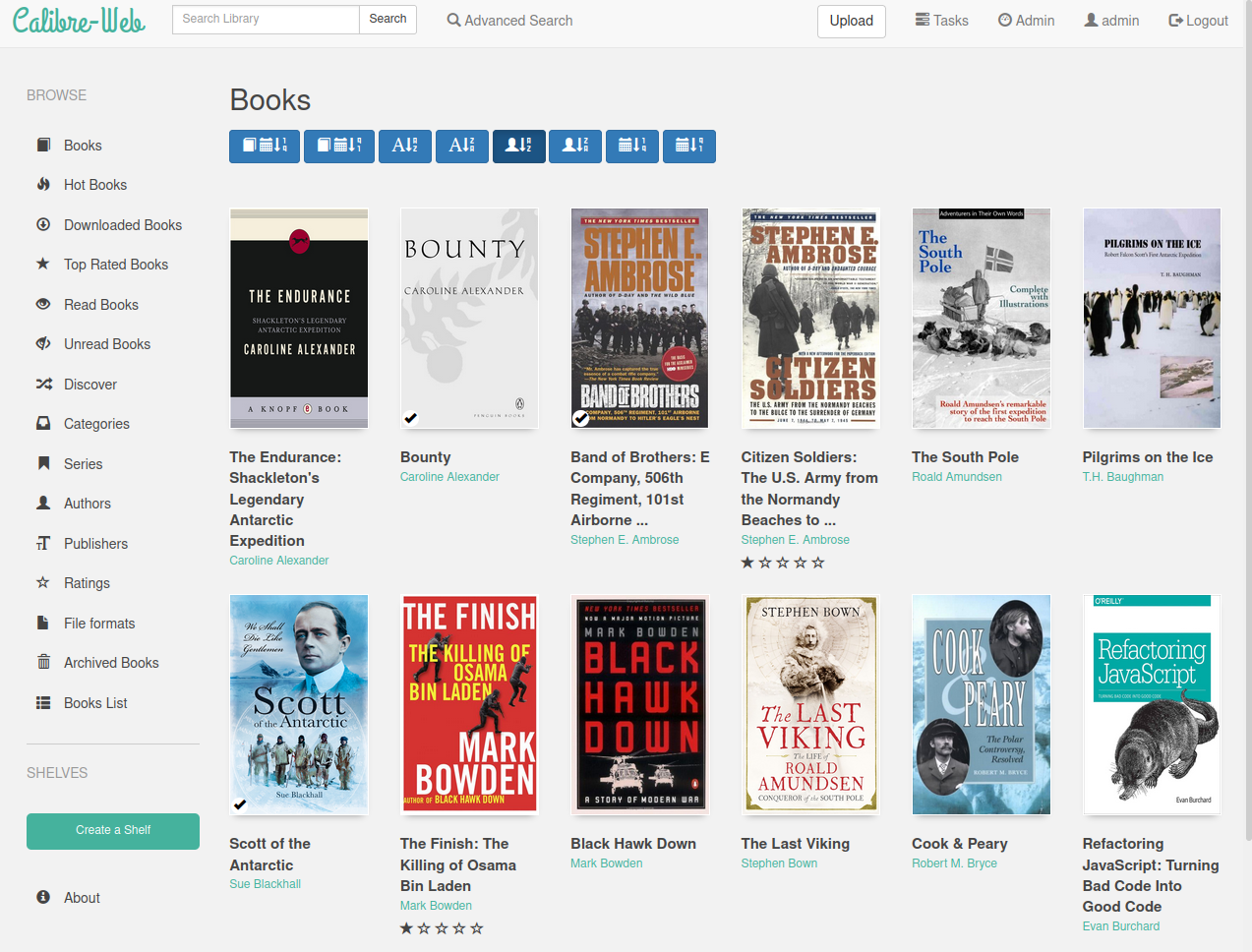
Ebooks have established themselves alongside "real" books in everyday use, not only on vacation. [Calibre-Web](https://github.com/janeczku/calibre-web) wraps a [Calibre](https://calibre-ebook.com) library in a web UI and can send books directly from there, e.g. to an e-reader such as a Kindle.
## Compose file
Your `compose.yml` can for example look like this:
```yaml
services:
calibre:
image: lscr.io/linuxserver/calibre-web:latest
container_name: calibre
environment:
- PUID=1000
- PGID=1000
- TZ=Europe/Berlin
- DOCKER_MODS=linuxserver/mods:universal-calibre
volumes:
- ./data:/config
- /storage/storagefs/media/books:/books
restart: unless-stopped
networks:
- caddy
networks:
caddy:
external: true
```
## Configuration, maintenance and tools
Set the admin password:
```bash
docker exec -it calibre python3 /app/calibre-web/cps.py -p /config/app.db -s admin:NEWPASSWORD
```
Import books from another source:
```bash
docker exec -it calibre sh -c "calibredb add --with-library /books --recurse /import --automerge ignore"
```
## Alternatives to Calibre-Web
- [Kavita](https://www.kavitareader.com)
self-hostedbooksmedia
---
## Navigation
- Parent: [Self-hosted](https://www.handtrixxx.com/en/wiki/self-hosted.md)
- Previous: [Caddy](https://www.handtrixxx.com/en/wiki/self-hosted/caddy.md)
- Next: [Cockpit CMS](https://www.handtrixxx.com/en/wiki/self-hosted/cockpit-cms.md)