---
title: 'Calibre Web'
url: 'https://www.handtrixxx.com/de/wiki/self-hosted/calibre-web'
markdown: 'https://www.handtrixxx.com/de/wiki/self-hosted/calibre-web.md'
lang: de
date: '2023-07-22'
description: 'Calibre Web Am 2026-11-28 live geprüft: der Calibre-Web-Container dieses Stacks läuft. Konfigurationsdetails wie am Seitendatum dokumentiert. eBooks haben sich neben „echten“ Büchern nicht nur im Urlaub, sondern im Alltag etabliert. Calibre-Web verpackt eine Calibre-Bibliothek in einer Web-UI und k…'
---
# Calibre Web
*Am 2026-11-28 live geprüft: der Calibre-Web-Container dieses Stacks läuft. Konfigurationsdetails wie am Seitendatum dokumentiert.*
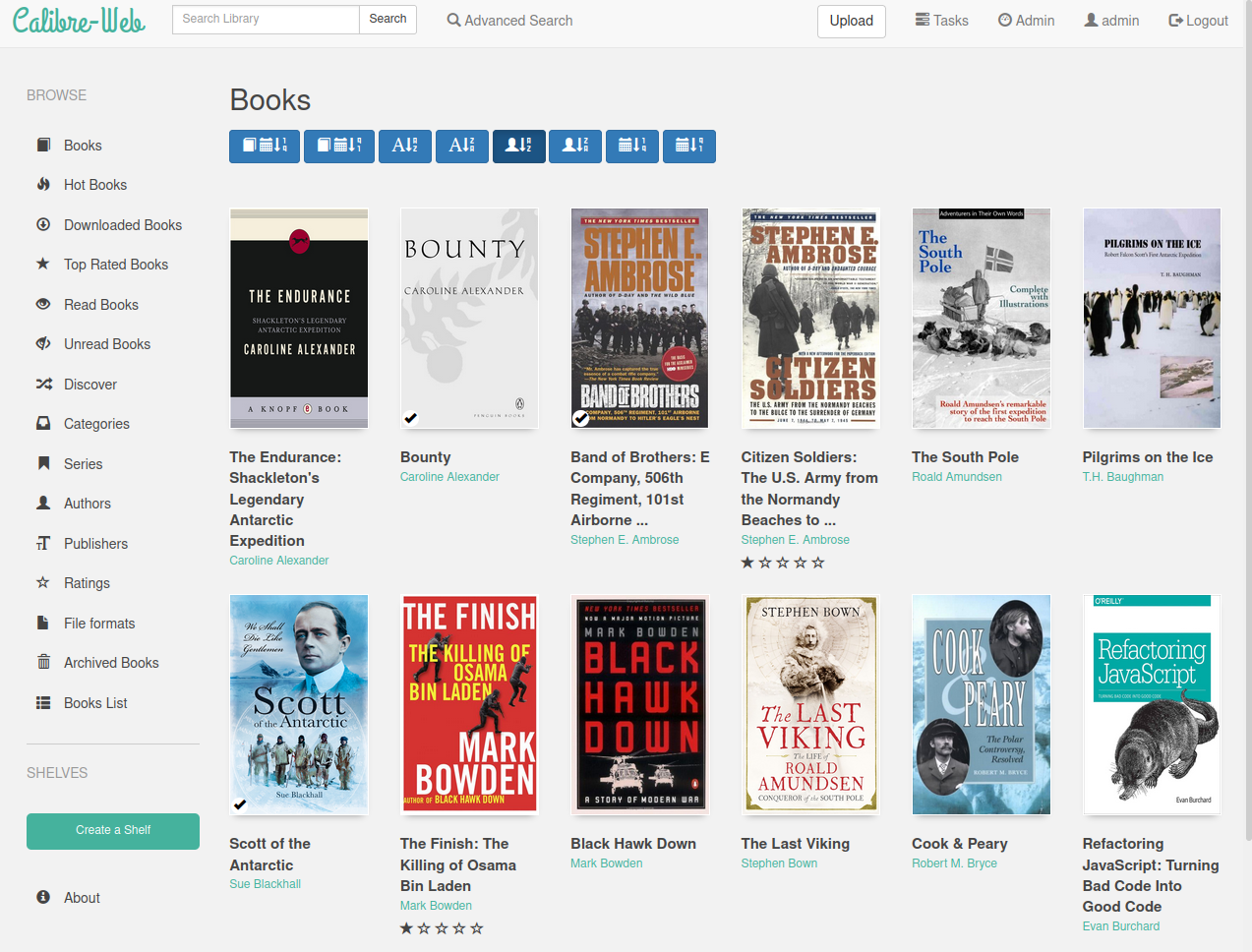
eBooks haben sich neben „echten“ Büchern nicht nur im Urlaub, sondern im Alltag etabliert. [Calibre-Web](https://github.com/janeczku/calibre-web) verpackt eine [Calibre](https://calibre-ebook.com)-Bibliothek in einer Web-UI und kann Bücher direkt von dort versenden, z. B. an einen E-Reader wie ein Kindle.
## Compose-Datei
So kann euer `compose.yml` zum Beispiel aussehen:
```yaml
services:
calibre:
image: lscr.io/linuxserver/calibre-web:latest
container_name: calibre
environment:
- PUID=1000
- PGID=1000
- TZ=Europe/Berlin
- DOCKER_MODS=linuxserver/mods:universal-calibre
volumes:
- ./data:/config
- /storage/storagefs/media/books:/books
restart: unless-stopped
networks:
- caddy
networks:
caddy:
external: true
```
## Konfiguration, Wartung und Tools
Admin-Passwort setzen:
```bash
docker exec -it calibre python3 /app/calibre-web/cps.py -p /config/app.db -s admin:NEWPASSWORD
```
Bücher aus einer anderen Quelle importieren:
```bash
docker exec -it calibre sh -c "calibredb add --with-library /books --recurse /import --automerge ignore"
```
## Alternativen zu Calibre-Web
- [Kavita](https://www.kavitareader.com)
self-hostedbooksmedia
---
## Navigation
- Parent: [Selbst gehostet](https://www.handtrixxx.com/de/wiki/self-hosted.md)
- Previous: [Caddy](https://www.handtrixxx.com/de/wiki/self-hosted/caddy.md)
- Next: [Cockpit CMS](https://www.handtrixxx.com/de/wiki/self-hosted/cockpit-cms.md)